Ndovu Tutorials
Learn how to connect to our WiFi hotspot for both Basic and Premium Plans.
Basic Plans

Select a Plan
Click Buy Now to select a plan.
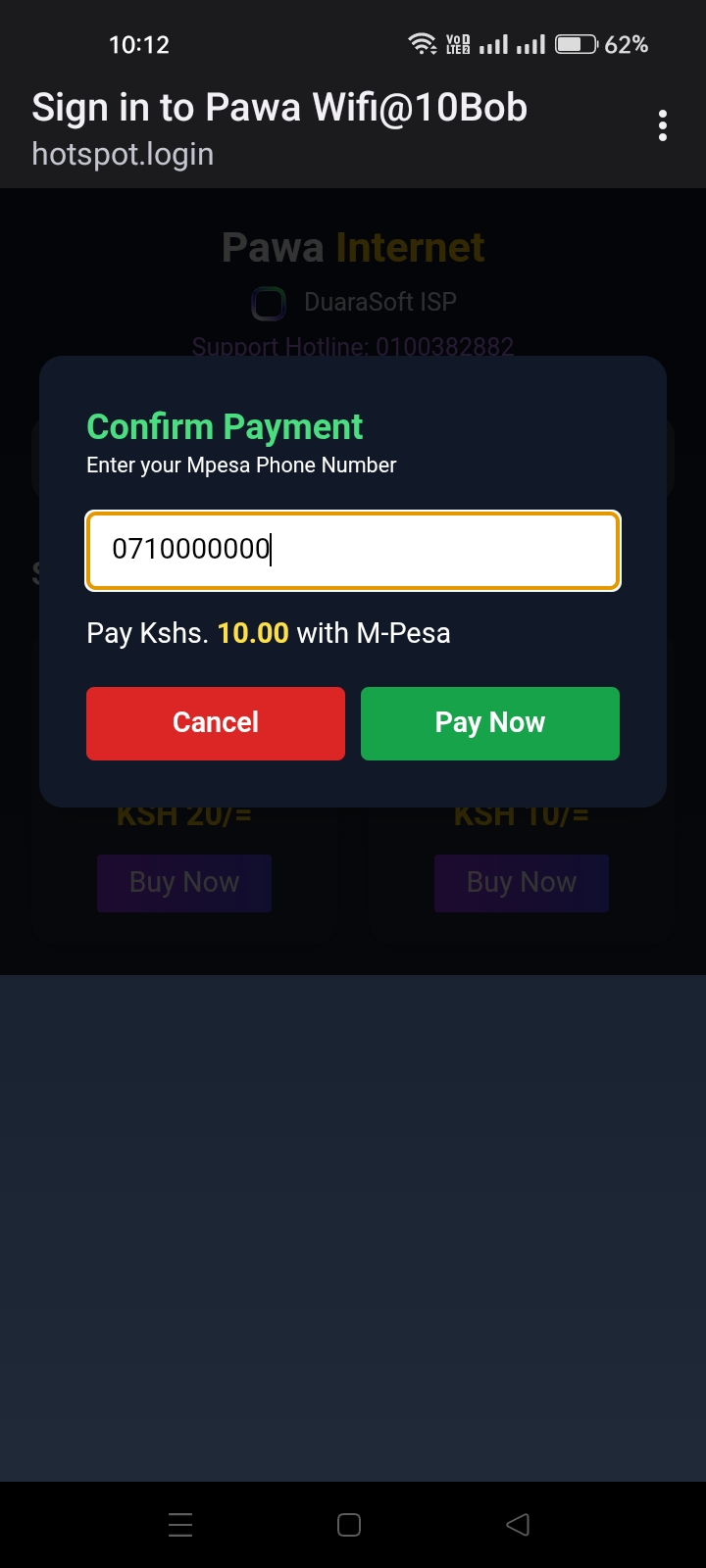
Enter Phone Number
Input your M-Pesa phone number.

M-Pesa Prompt
Enter your Mpesa PIN to pay.
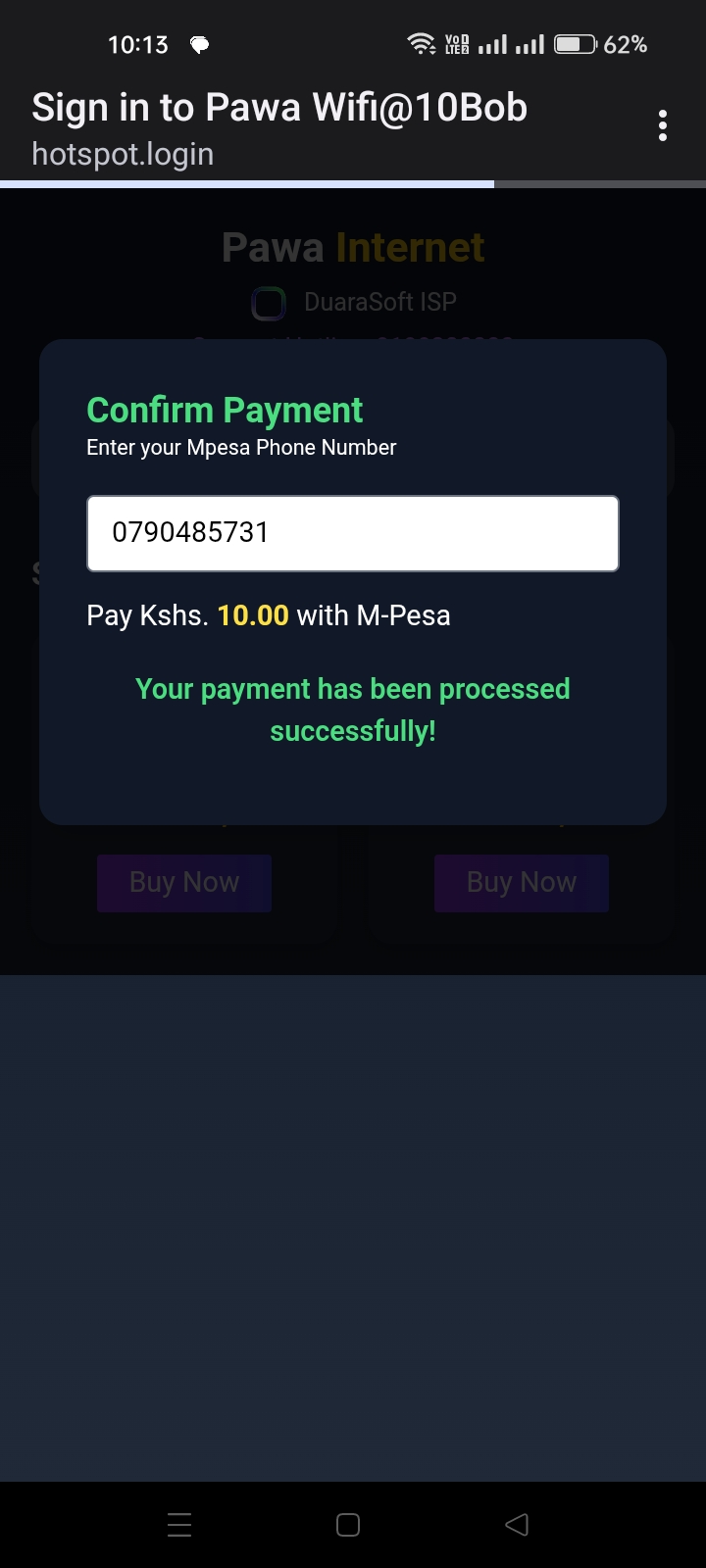
Payment Received
Wait 10 secs after payment for automatic activation.

WiFi Connected
Your are NOW CONNECTED